Quick answer
Quick answer: For a longer Philippines stay, do not try to buy your way into certainty. Build a small backup system before you need it: confirm the apartment’s actual connection and outage plan, keep a tested mobile-data alternative and charged battery bank, know one nearby place where you can work or make a call, and arrive with two independent ways to pay. The useful goal is to turn a bad afternoon into an inconvenience rather than an emergency.
Why ordinary friction deserves a plan
The Philippines can be an easy place to settle into for people who value everyday English use, friendly service culture, and a lower-cost base than many large Western cities. It can also punish a plan built on one app, one card, one internet line, or one optimistic apartment listing. A card can trigger a fraud check. A bank can send a one-time code to a number you cannot receive. Rain or local maintenance can make a building’s connection slow when you need a video call.
None of that means that a long stay is impractical. It means the right question is not “Is the internet good?” or “Will my card work?” It is “What is my second workable option, and have I tested it?” That is particularly important when a first stay involves remote work, telehealth, family communication, or a fixed monthly pension budget.
Before committing to a longer lease, read our Philippines long-stay guide for the country-level fit and our one- to six-month stay guide for entry, extensions, SIM, money, and arrival sequencing.
Start with the building, not the city label
“Cebu has good internet” and “Manila has everything” are not apartment-level facts. One building may have a stable fiber connection, backup power for common areas, responsive management, and several mobile signals. A few blocks away, a unit can have an overworked router, a weak indoor signal, and no clear answer about water or elevator service during an outage.
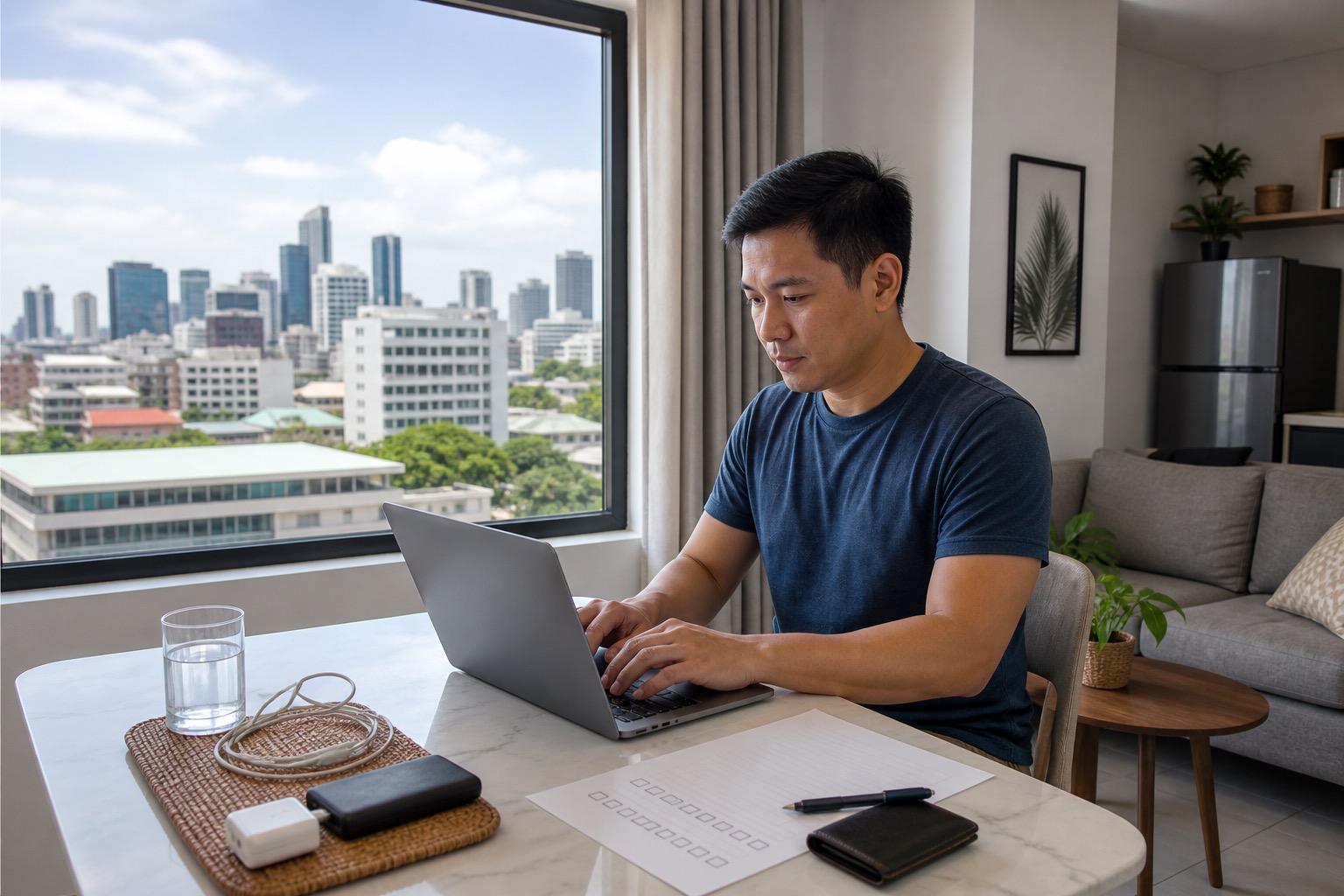
Ask a host or landlord for a recent speed-test screenshot taken inside the unit, then ask which provider is installed, whether the connection is dedicated to the unit or shared, and what happens during a power interruption. The answer does not need to be perfect. Vague answers are the useful warning sign. If your work depends on calls, test a call at the hour you normally work before your cancellation window closes.
For a first booking, favor a shorter, refundable or flexible stay over a bargain lease you have not lived in. Our neighborhood guide explains why a normal grocery run, pharmacy trip, and evening ride home tell you more than a polished listing. In Cebu, the tradeoff between building quality, traffic, and service access is central; use the Cebu City guide alongside your shortlist.
Build a two-path internet routine
Your primary connection can be apartment fiber or the connection at the place where you are staying. Your second path should be separate enough to help when the primary path fails: a local SIM or eSIM with a tested data allowance, or a second carrier if coverage matters to your work. Do not assume that a phone hotspot will solve every problem until you test it from the room where you will sit.
On arrival, download maps for your immediate area, save the building address in more than one format, and make sure critical contacts are available without a connection. If you use a US bank or health portal, complete any device-verification steps before you are under time pressure. Keep account recovery methods current and avoid changing every security setting on the day you travel.
The Department of Information and Communications Technology provides national connectivity context, but it cannot tell you how a specific apartment behaves at 7 p.m. Ask current residents, test locally, and keep your plan modest. A café is a useful fallback only if you have actually checked its hours, noise level, power outlets, and route home.
Put power and weather questions into the first-week checklist
The Philippine climate includes a rainy season and exposure to tropical weather, with conditions that vary by region and time of year. PAGASA is the right place to check official weather information for the location and dates you are considering. It is not a reason to cancel a plan by default; it is a reason to avoid pretending weather never changes your day.
Ask building management whether there is generator support and exactly what it covers. “Generator” might mean hallway lights and a lobby, not your unit’s outlets, air conditioning, water pump, or elevator. Ask how residents receive outage notices and whether water storage or delivery has been an issue. These are practical questions, not signs of distrust.
A compact battery bank, charged phone, flashlight, modest supply of drinking water, and a way to keep essential documents accessible are usually more useful than elaborate emergency gear. If you depend on refrigeration for medicine or have a medical condition, plan a more specific backup with your clinician and choose a city with deeper healthcare options. The Philippines healthcare and prescriptions guide is the starting point for that decision.
Make money access boring and redundant
Do not arrive with one debit card and a hope that every ATM will cooperate. Use at least two independent payment paths—for example, cards tied to different accounts or networks—and keep them separately. Notify financial institutions only if their current policy calls for it; many prefer normal transaction monitoring, while some still offer travel notices. Confirm the contact method you can use from abroad and whether your account depends on an SMS one-time code.
Carry enough local cash for a few ordinary days, transport, food, and a small disruption. The right amount depends on your spending pattern and comfort level; the point is not to carry a large, conspicuous reserve. Use ATMs in places where you feel comfortable, protect your PIN, and check the fee and exchange-rate details before treating any withdrawal method as your default. Keep emergency contact numbers and account details in a secure offline format.
The Bangko Sentral ng Pilipinas consumer-assistance information is useful when you are dealing with a Philippines-regulated provider. For a US account issue, your own bank remains the first contact. In either case, screenshots, timestamps, receipts, and calm written notes make a dispute much easier than trying to reconstruct a problem days later.
Do a low-stakes test in the first 72 hours
The first few days are the right time to learn whether your backup plan is real. Make one small card purchase, withdraw a small amount only if that is part of your normal plan, place a non-critical call using your apartment connection, then test your mobile-data backup. Walk the route to a pharmacy, grocery, ATM, and your possible work fallback. If one piece fails, you still have time to change a SIM, move apartments, adjust your money setup, or shorten your commitment.
This is also a good moment to compare the city you chose with the alternative you almost chose. Our Cebu vs. Dumaguete vs. Iloilo comparison helps distinguish a service-heavy base from a slower or smaller-city routine. If weather is a major concern, see how to plan a Philippines base in rainy season.
A simple packing and setup list
- An unlocked phone that supports the connectivity option you intend to use, plus charging cable and adapter appropriate to your equipment.
- A tested battery bank and a small flashlight; charge them before a long transfer day.
- Two payment paths kept separately, modest local cash, and secure offline access to important support numbers.
- Copies of passport, travel insurance, prescriptions, and accommodation details stored securely offline and online.
- A first-week checklist: speed test, mobile-data test, building power/water question, ATM route, pharmacy route, and a nearby fallback workspace.
Who should choose a more conservative plan
Choose a larger-service city, a building with proven backup systems, and a larger cash/time buffer if you need uninterrupted remote work, frequent specialist care, temperature-sensitive medicine, or regular US financial verification. A smaller island or town may still be a wonderful fit, but it asks more of your contingency planning. The Philippines city-versus-island base guide can help make that tradeoff explicit.
Bottom line
A resilient long stay is not built around fear of outages, cards, or rain. It is built around ordinary habits: ask better building questions, test a second connection, separate your payment options, and leave enough flexibility to correct a weak first choice. Those small steps preserve the parts of Philippines living that matter—more time to explore, less time spent solving preventable problems.
For a worksheet-based first-week setup, the First 90 Days Abroad System turns the phone, documents, money, apartment, and backup tasks into one practical checklist.
References
- Department of Information and Communications Technology, official site.
- Bangko Sentral ng Pilipinas, Consumer Assistance Mechanism.
- PAGASA, Climate of the Philippines.
- Bureau of Immigration, Visa Waiver.
Apartment setup for a longer stay: How to Rent an Apartment in the Philippines for a 1- to 6-Month Stay
Inter-island transfer planning: How to Plan Inter-Island Travel During a Longer Stay in the Philippines
First-week Philippines setup: How to Set Up Your First Week in the Philippines Without Turning It Into a Scramble
Mail and document continuity: How to Keep Mail, Documents, and Your Home Address From Becoming a Problem During a Longer Philippines Stay
Emergency-care planning: How to Build an Emergency Care Plan for a Longer Philippines Stay